 Invoice
Send an estimate, then turn it into an invoice
Agree the price before you start, and the invoice never comes as a surprise. Invoice Maker drafts the estimate, sends it as a clean PDF, and converts it into a full invoice the moment the job is approved.
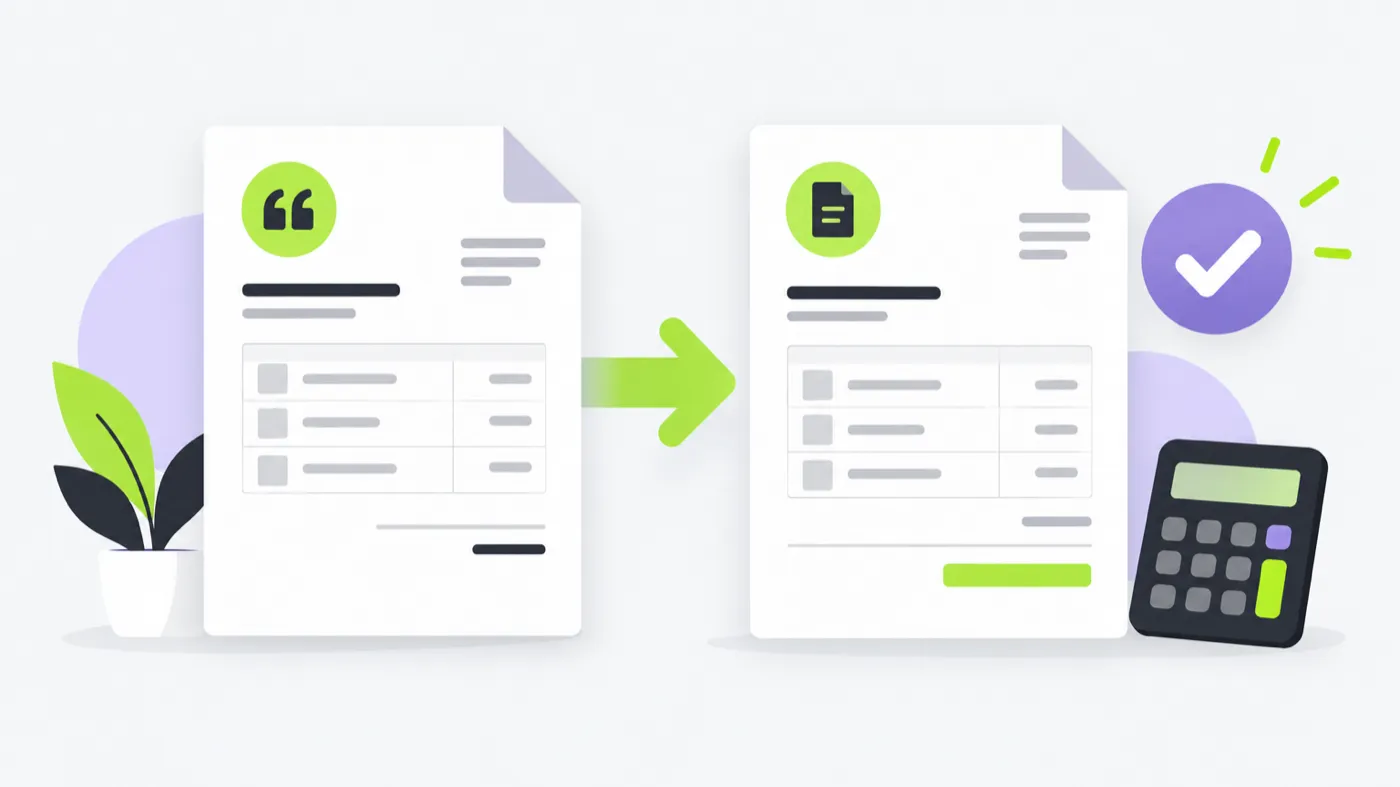
An estimate maker lets you send a proposed price before the work begins. In Invoice Maker you draft the estimate with the same client, products, tax and layout as your invoices, send it as a PDF, and then convert it into an invoice in one tap once the client approves — so nothing is retyped and the totals stay consistent.
Fewer surprises, faster payments
A quote sets expectations. When a client has already seen the number and agreed to it, the invoice is a formality instead of a negotiation.
- Draft an estimate with the same items you will bill.
- Send it as a PDF by Mail, Messages, WhatsApp or Files.
- Convert the approved estimate into an invoice in a tap.
- Keep estimates and invoices separate in your records.
One leads to the other
An estimate is a proposal you can still change. An invoice is a request for the money that is now owed. Because Invoice Maker treats them as two stages of the same document, the client, the line items and the tax move across with one tap — and your invoice numbers stay clean and sequential.
Tip. Number estimates and invoices in separate sequences (for example EST-001 and INV-001) so it is always obvious which document you are looking at.
Frequently asked questions
What is an estimate maker?
What is the difference between an estimate and an invoice?
Can I turn an estimate into an invoice?
Should a quote include tax?
Is a quote legally binding?

Send your next invoice in about a minute.
Create a professional PDF invoice on your phone, mark it paid when the money lands, and keep every client and line item ready for next time.
iPhone · iOS 15.1+ · No login required