 Invoice
Create a professional invoice in seconds
A blank invoice template is where good intentions go to die. Invoice Maker turns it into a one-tap job: pick the client, pick the products, check the totals, and send a clean PDF before you forget.
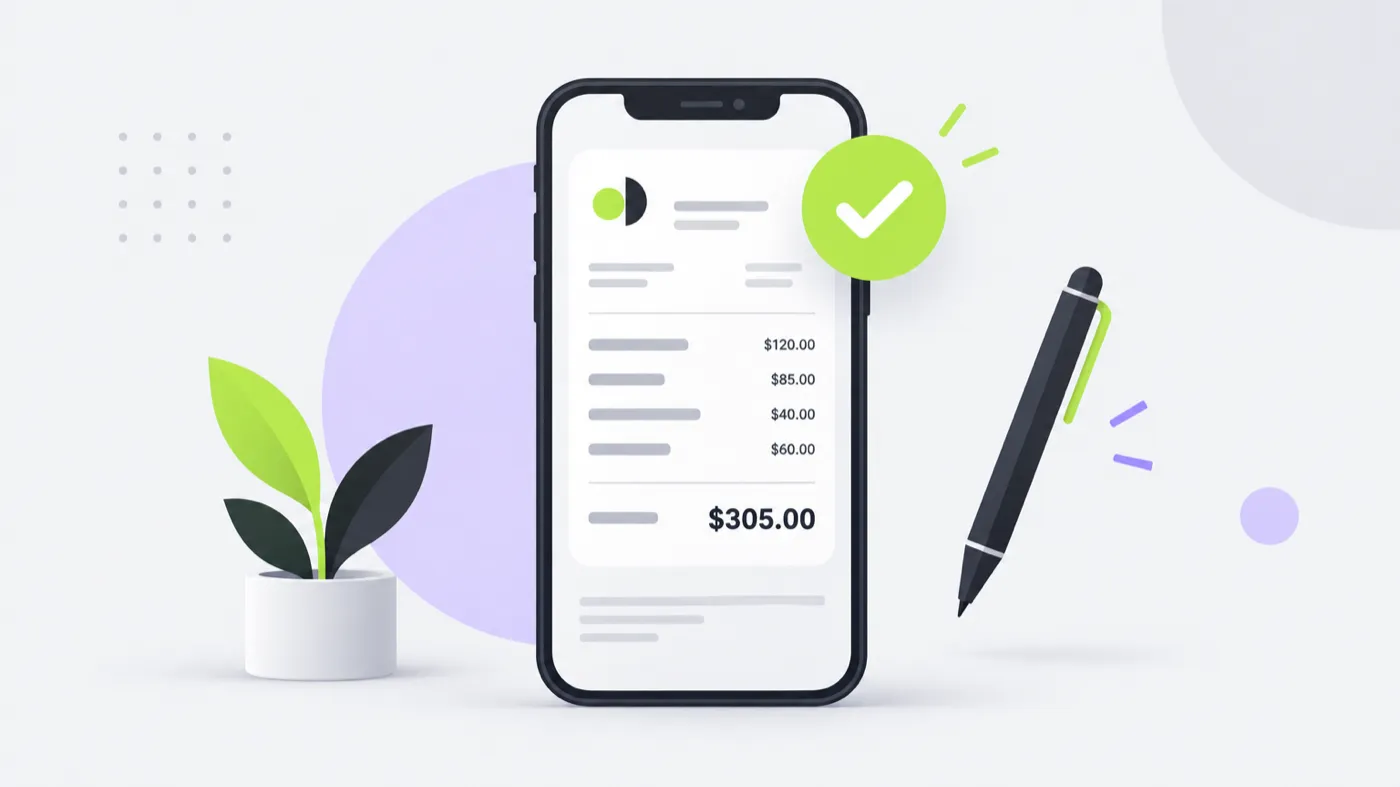
Invoice Maker is an iPhone app for creating professional PDF invoices in seconds. You choose a client and products you have already saved, add tax or a discount, and the app calculates the subtotal and total for you. Then you export the invoice as a PDF and share it by Mail, Messages, WhatsApp or Files. No login, and every invoice stays on your device.
An invoice you actually send is worth more than a perfect one you don't
Most people do not lose money because they write bad invoices. They lose it because the invoice gets postponed, and by the time it goes out the goodwill is gone.
- Start from a saved client and saved products — no retyping.
- Tax, discounts and totals calculated for you.
- A clean PDF that looks like it came from a real business.
- Send it from the phone you already have in your hand.
Check it, then send it anywhere
Preview the finished invoice exactly as your client will see it, then share the PDF through any app on your iPhone. When the money arrives, mark it paid in one tap.
Everything on one screen
No accounts, no onboarding questionnaires, no monthly setup. Open the app, create the invoice, send it. The complexity you would normally find in invoicing software has been removed rather than hidden behind menus.
Frequently asked questions
How do I create an invoice on my iPhone?
Does Invoice Maker export a PDF?
Can I add tax and discounts?
Can I number my invoices automatically?
Can I use it without an account?

Send your next invoice in about a minute.
Create a professional PDF invoice on your phone, mark it paid when the money lands, and keep every client and line item ready for next time.
iPhone · iOS 15.1+ · No login required