 Invoice
Professional templates, your brand on every invoice
You do not need a designer to send a good-looking invoice. Pick a template, choose a color palette, add your logo and a payment QR code, and every document you send looks considered.
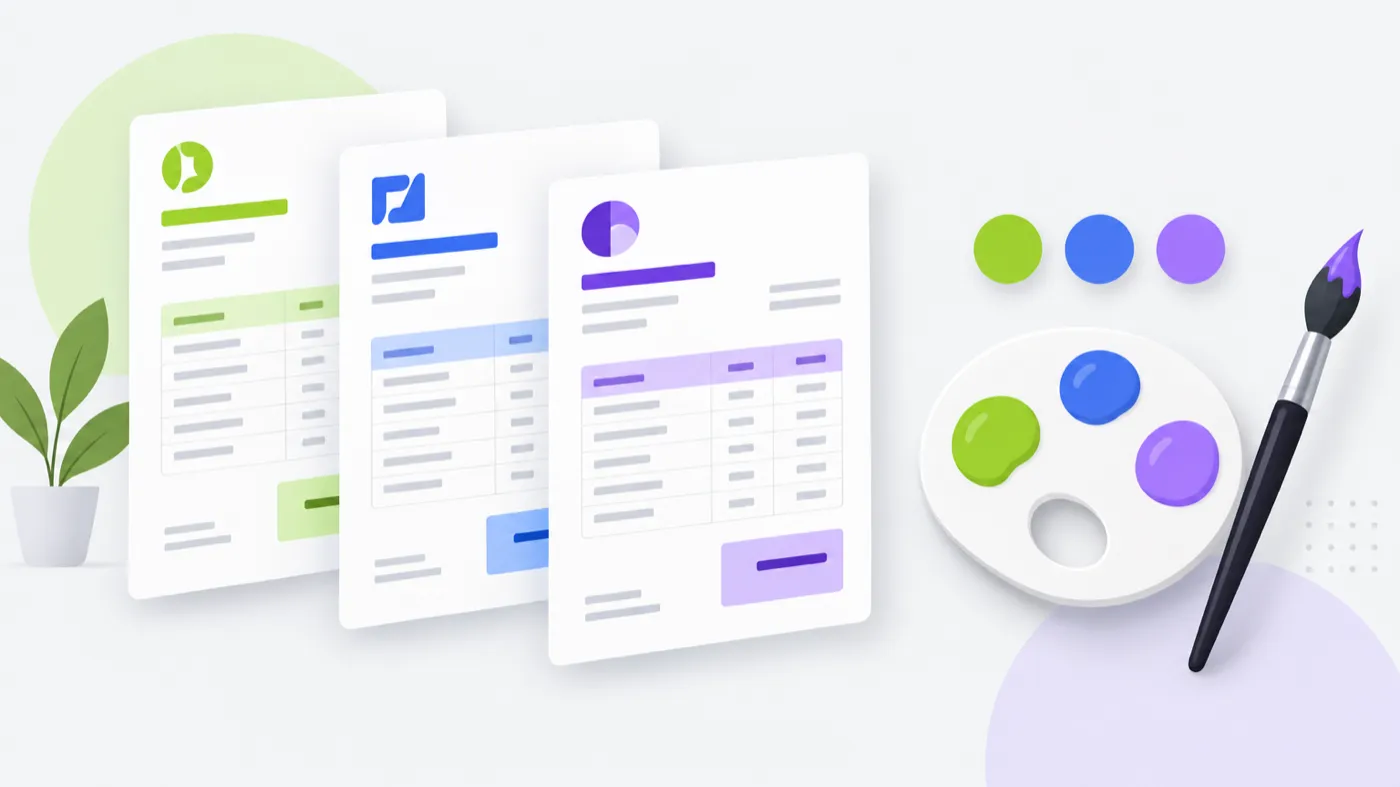
Invoice Maker lets you choose a professional invoice template and a color palette, then add your logo, business details and a payment QR code. The result is a clean PDF invoice that looks like it came from a real business, and because your settings are saved, every future invoice stays consistent with one tap.
A look that says you are serious
Layout, colour and a payment QR code are small decisions that change how a client reads the invoice — and how quickly they trust it enough to pay.
- Clean Classic — balanced white space with clear sections and borders.
- Color palettes — professional green, ocean blue or royal purple.
- Your logo — so the invoice is unmistakably yours.
- Payment QR code — scan to pay, no typing.
A clean invoice gets questioned less
A messy invoice invites questions: is this the final amount, is the tax right, who is this from? A clean one answers those before they are asked. That is the whole reason to care about the look of a document whose only job is to be paid.
Consistency tip. Save your template, palette and business details once. Every invoice after that inherits them, so you never have to rebuild your brand under time pressure.
Frequently asked questions
Can I change how my invoice looks?
Can I add my logo to an invoice?
What are the color palettes for?
Can I add a QR code for payment?
Which template should I choose?

Send your next invoice in about a minute.
Create a professional PDF invoice on your phone, mark it paid when the money lands, and keep every client and line item ready for next time.
iPhone · iOS 15.1+ · No login required